Discord Integration
Follow the steps below to set up Discord notifications:
- Go to your Bxss.io Settings page and click on Notifications tab.
- Navigate to the Discord Integration section.
- Copy the Pairing Code.
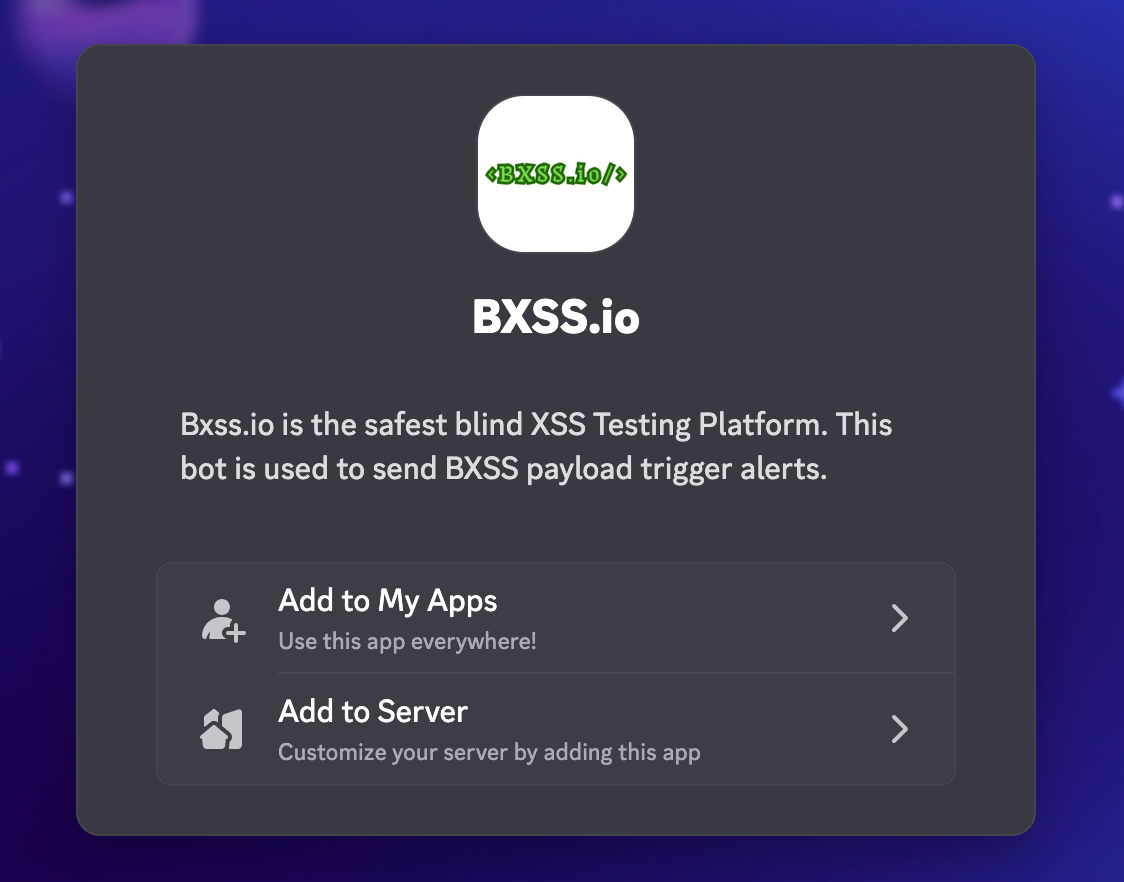
- Visit: Discord OAuth
- Click on Add to Server button.
- Select the server where you want to add the bot (Preferable a new server) and click on Continue.
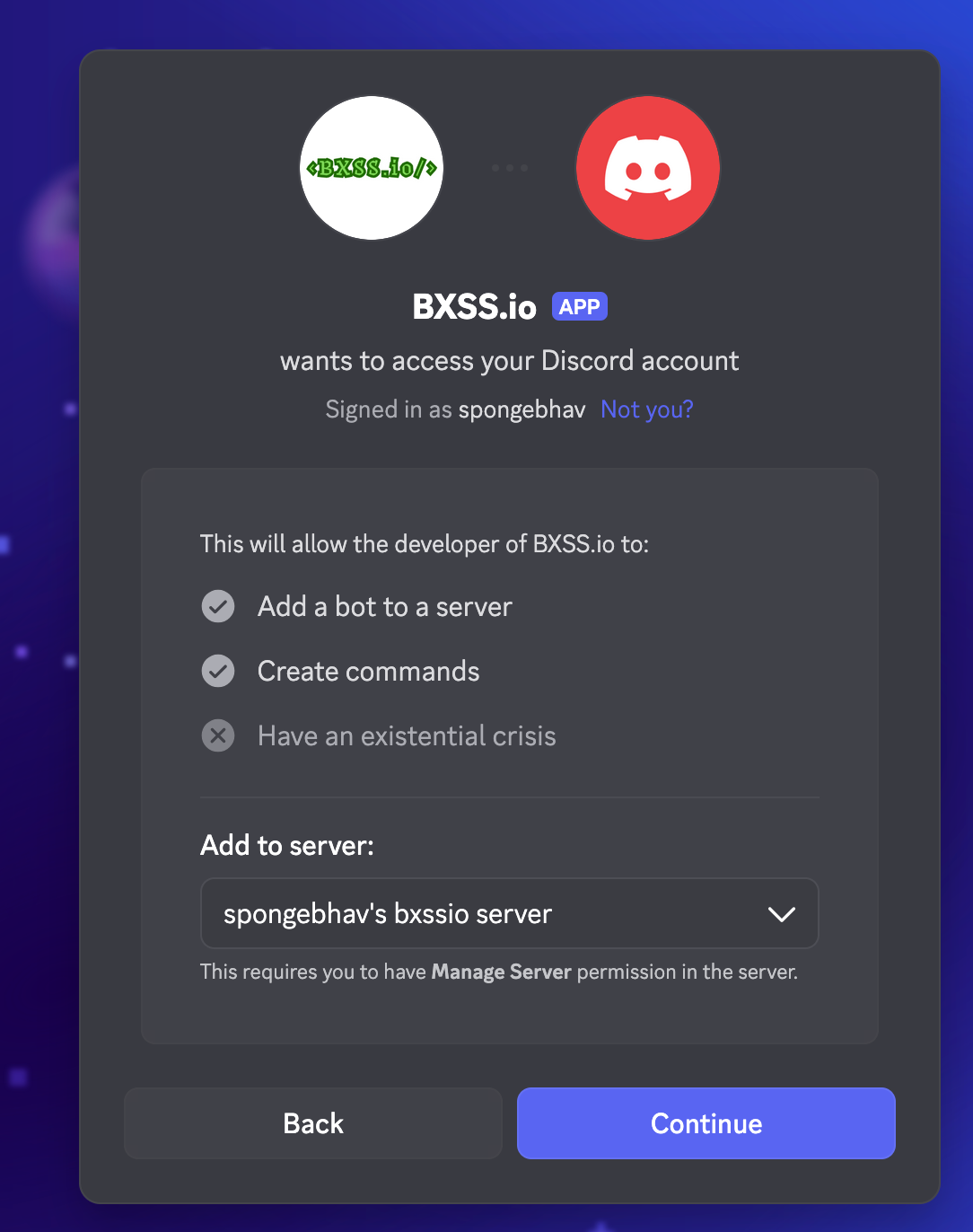
- Click on the Authorize button.
- Now, finally send the
/pair <pairing-code>command to the server with code we copied in step 3.
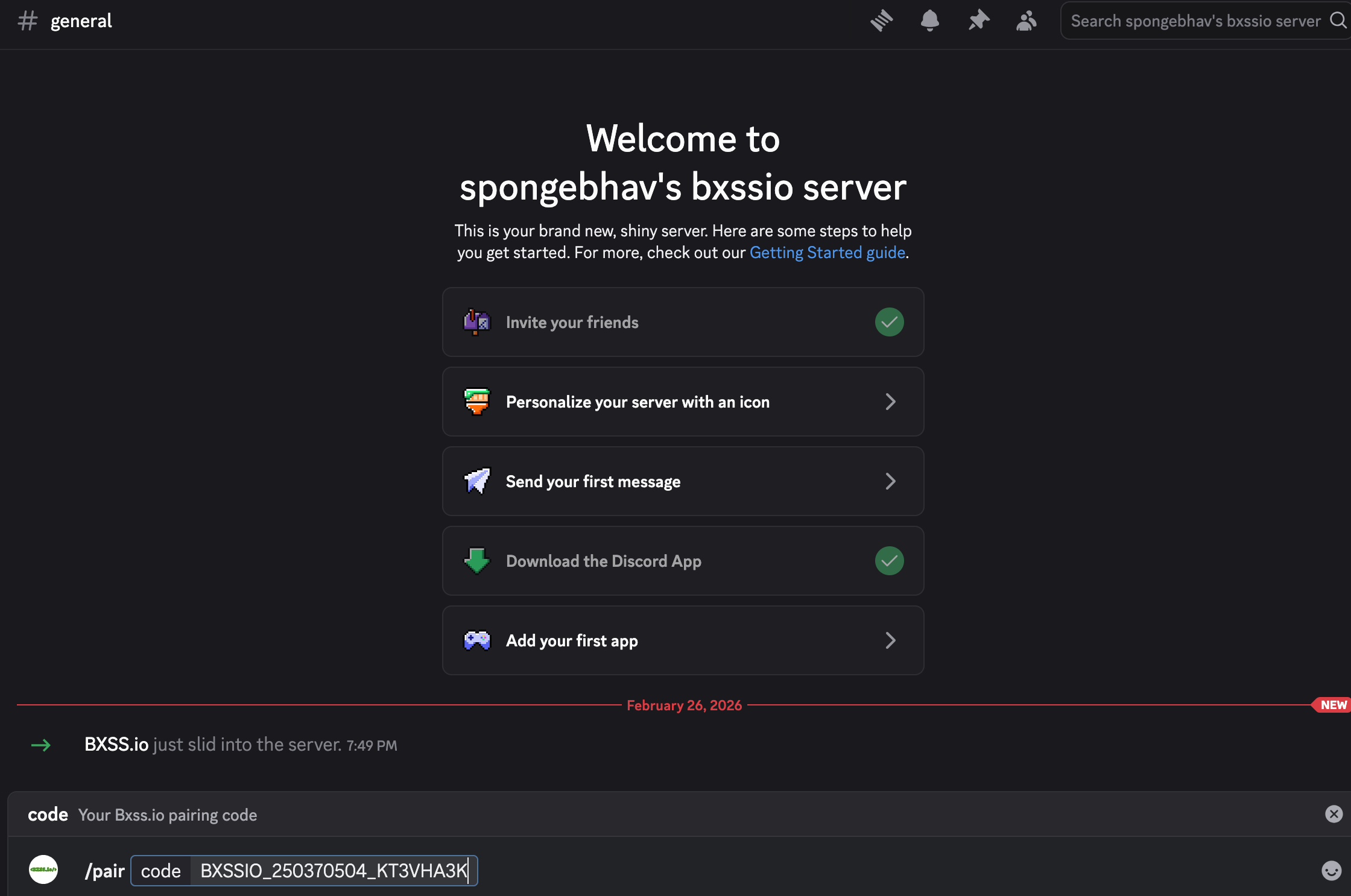
- You'll receive a message stating "Successfully paired your Discord account with Bxss.io!" and you're all set, you'll now receive notifications about the execution of your payloads on Discord.